
The lowest price follows you everywhere you shop.
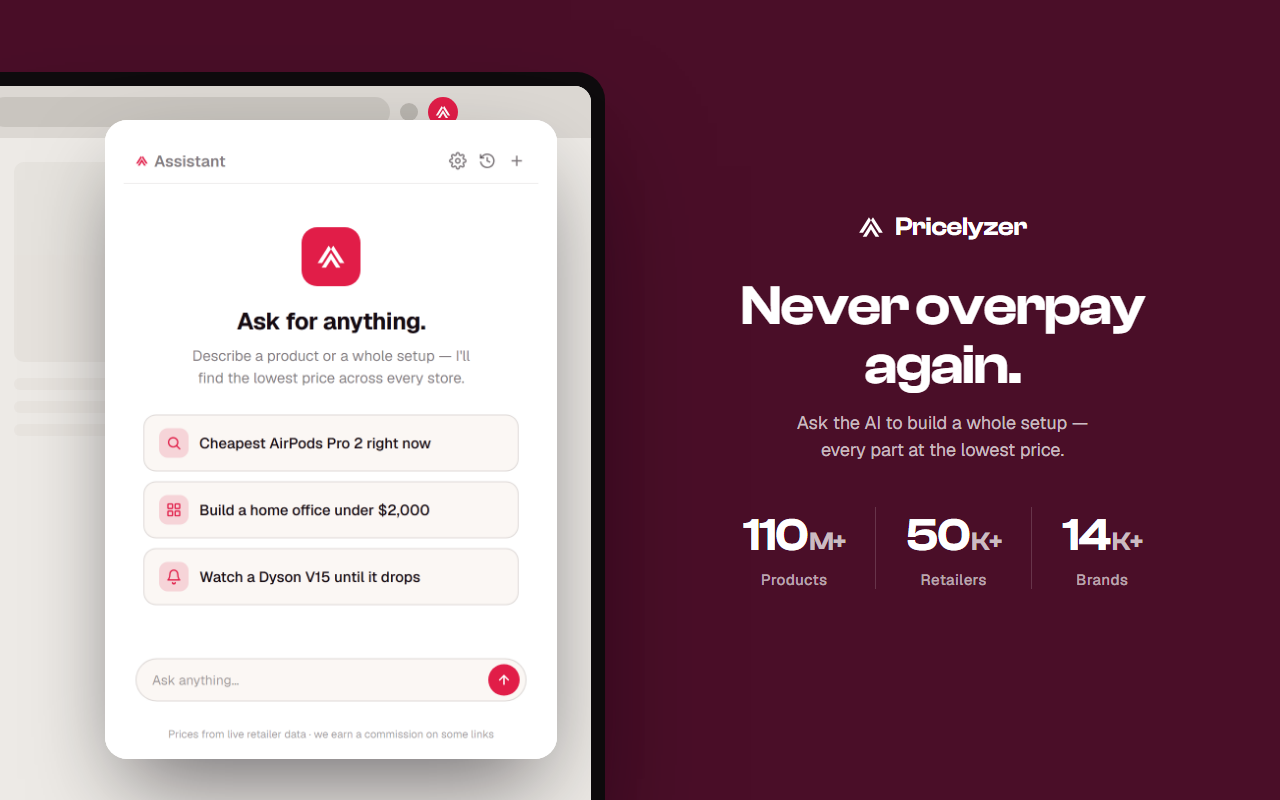
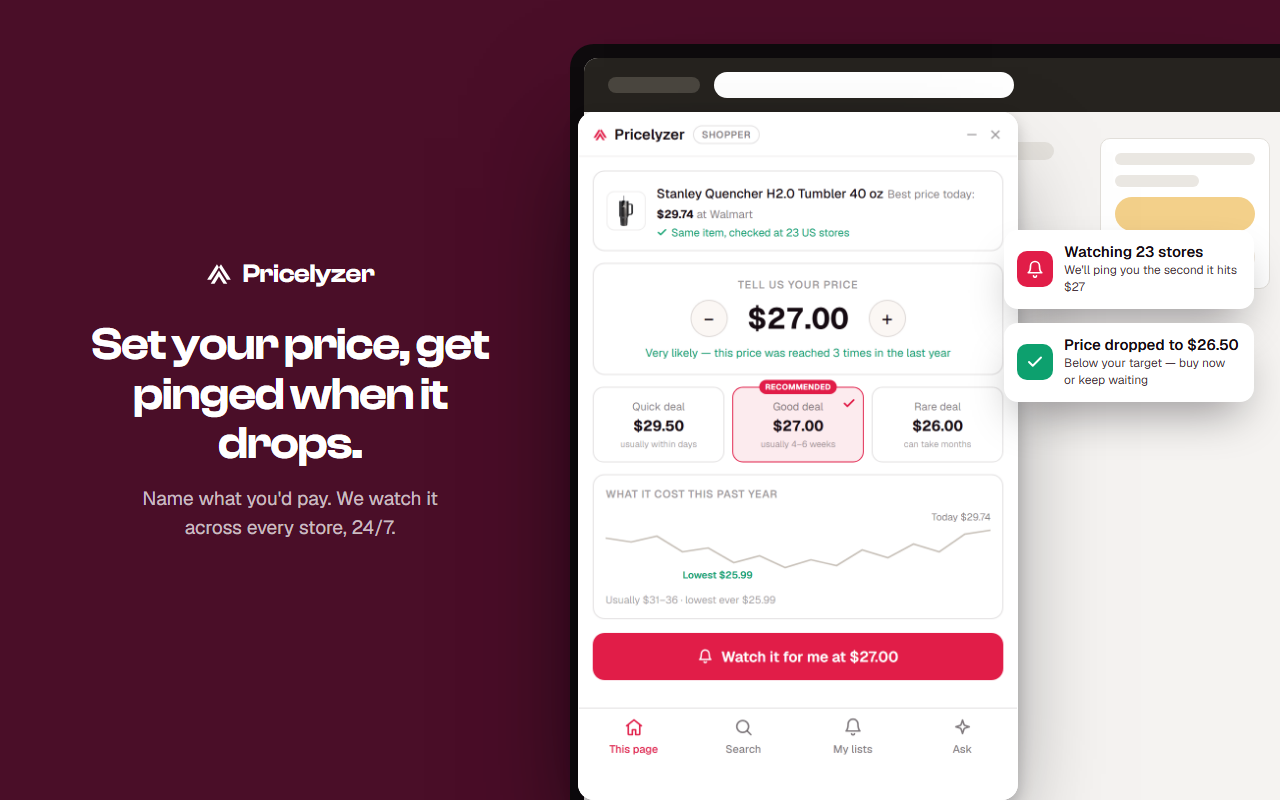
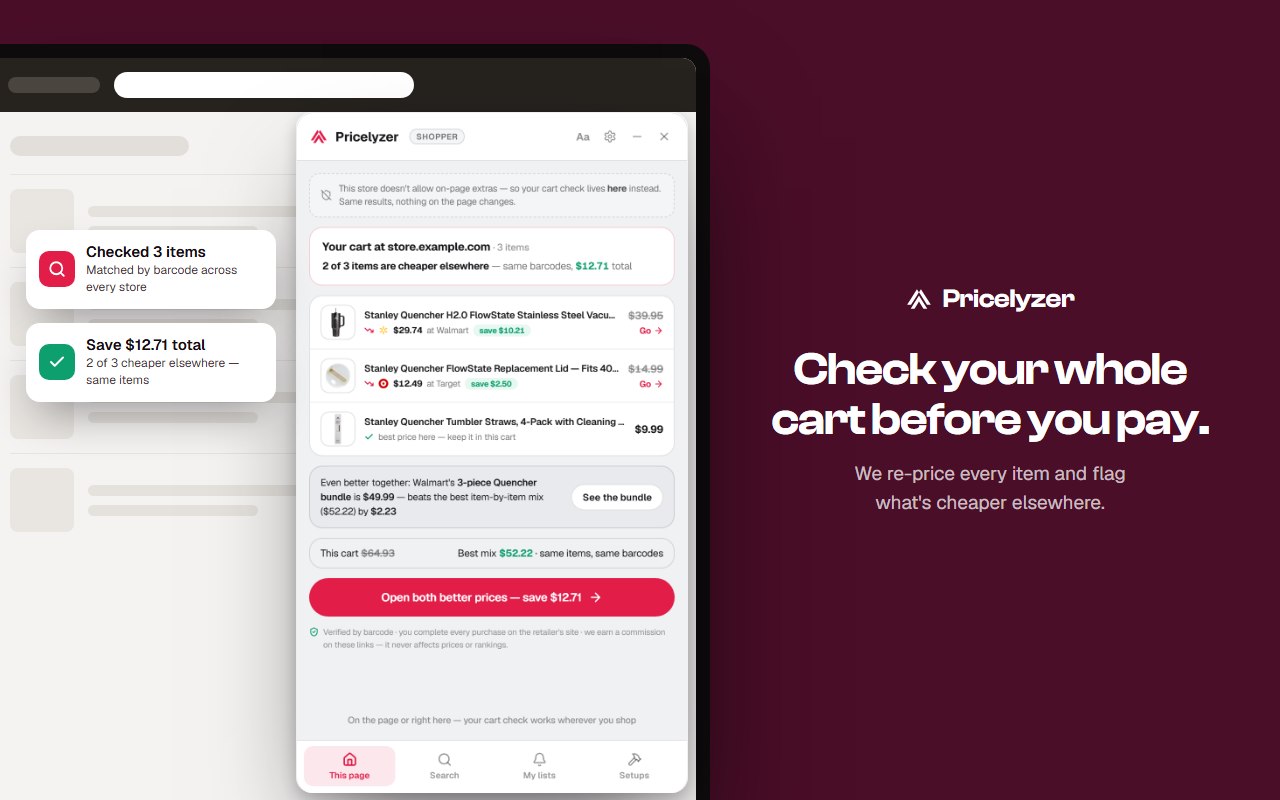
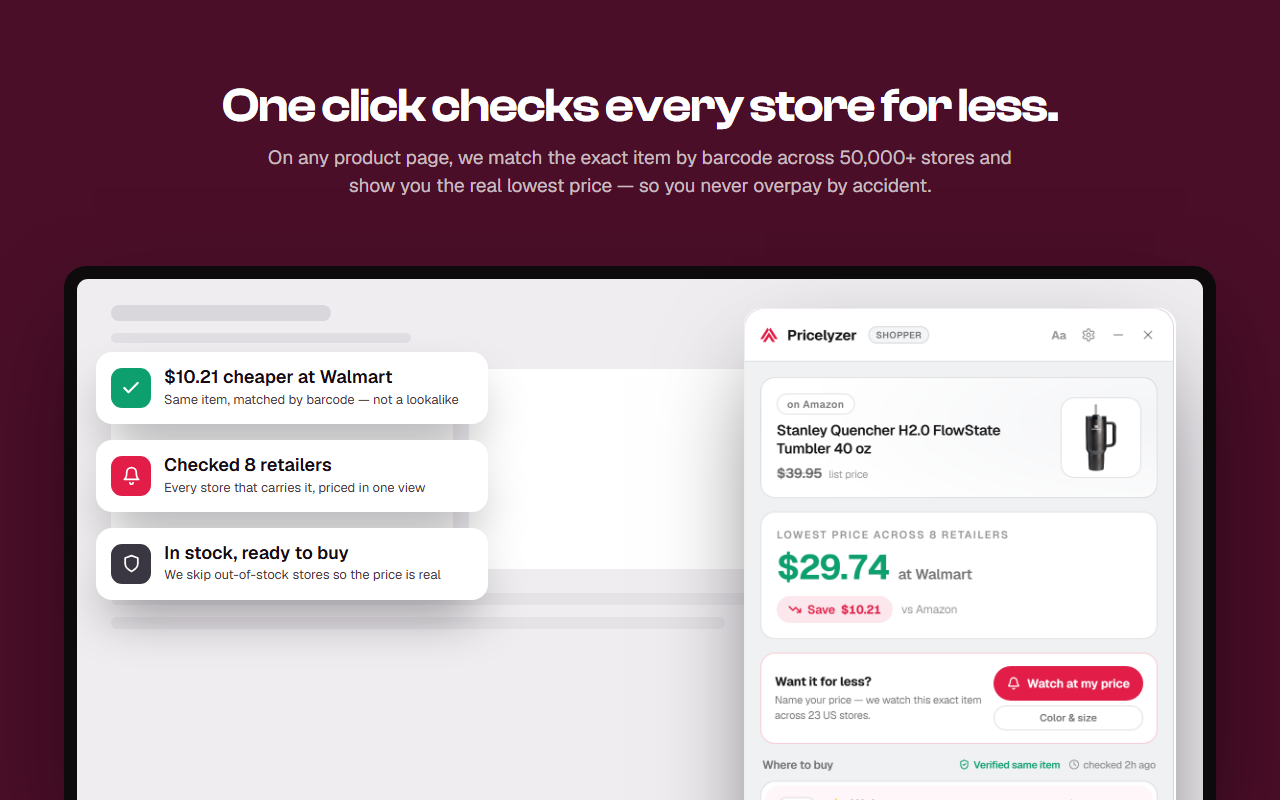
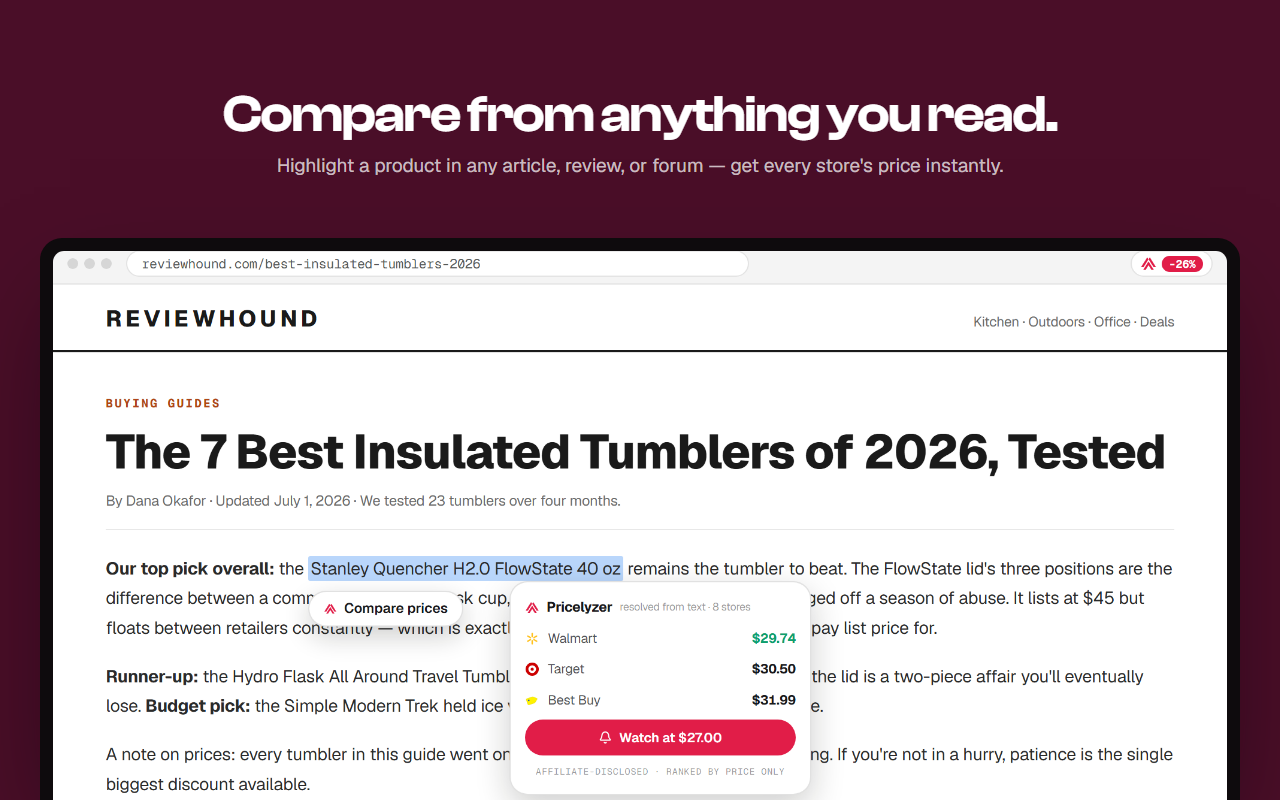
Open any store's product page and Pricelyzer quietly checks the exact item across 35,000+ stores — so you never find out later it was cheaper somewhere else.
Chrome · Edge · Brave — free, no account
[ Install ]
Install and start comparing.
No account required to start. The panel shows up on the product pages of supported stores and stays out of the way elsewhere.
01
Install
Add Pricelyzer from the Chrome Web Store — one click, no account needed for the Free tier.
Chrome today · more browsers on the roadmap
02
Pin
Open the puzzle-piece extensions menu in your toolbar and pin Pricelyzer so the panel stays one click away.
Settings, theme and mode live behind the icon
03
Activate
Open a product page on any supported store and the panel shows the lowest in-stock price for that exact item.
Works on the product pages of supported stores
Chrome today, from the Chrome Web Store. Support for more browsers is on the roadmap.
The extension's price comparison is free on every supported product page. Pro adds Seller mode — the sourcing panel on Amazon pages. See the full plan breakdown on the Pricing page.
On the product pages of supported stores. On any other page, the panel stays out of the way.
Yes. The settings drawer has a per-site toggle. Turning it off on one site stops the panel on that site only — coverage on other supported stores is unaffected.
By default, no — Chrome blocks extensions in incognito unless you allow them. Turn it on from chrome://extensions to use the extension in incognito.
The lowest in-stock price, on the store pages you already shop.
Add the free Pricelyzer extension — it installs in one click and only wakes up on product pages.
Free · works on Chromium browsers