
The sourcing cockpit, on every Amazon page.
The full sourcing panel is there on every Amazon product page, with the Buy Box, fee estimates, net profit, profitability, store matches, and listing access for your account.
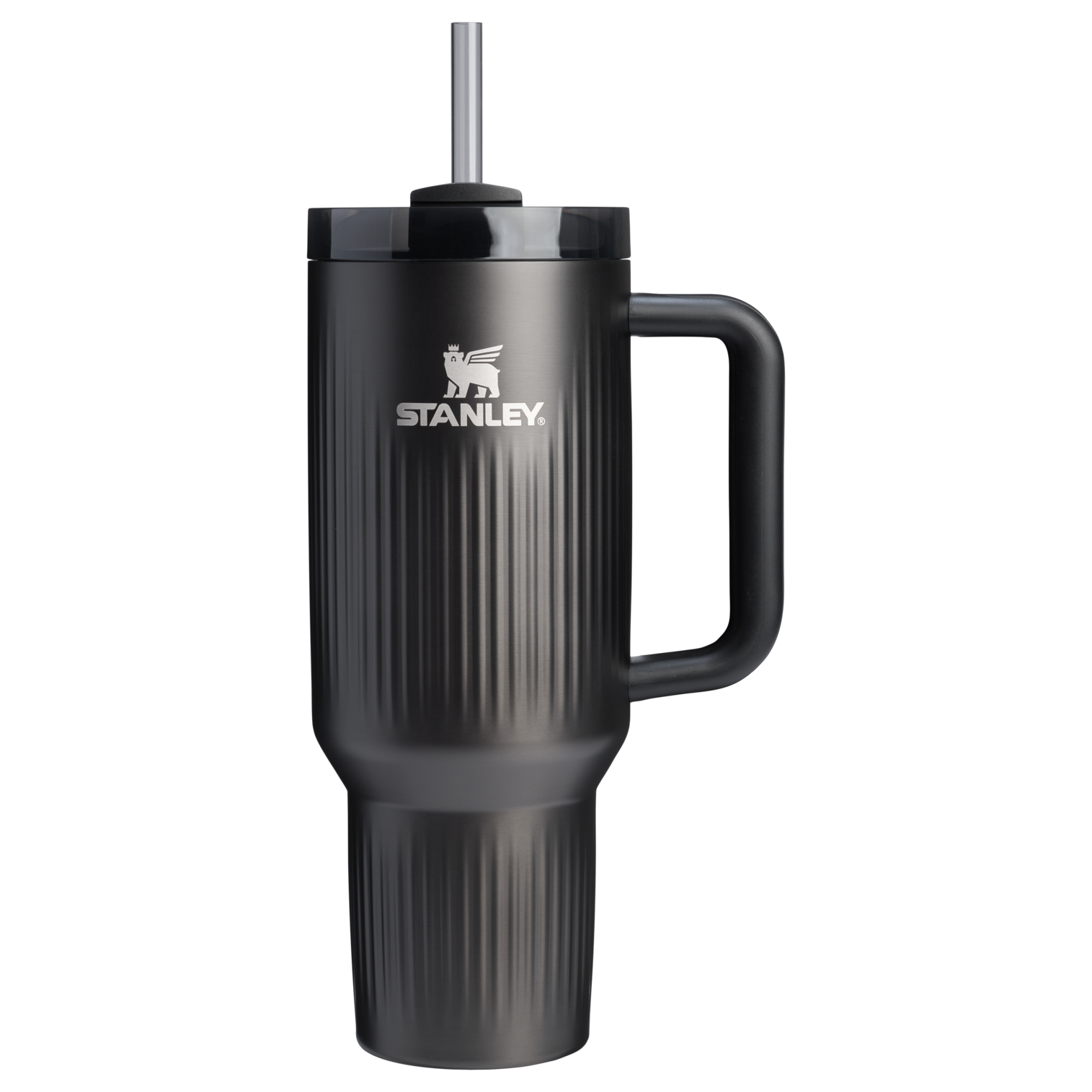

Stanley Quencher H2.0 FlowState Stainless Steel Vacuum Insulated Tumbler, 40oz
Illustrative demo data · hover to pause
Amazon side
The seller panel is there on every Amazon product page.
Open any Amazon product page and the Pro panel is right there with the verdict, your fee estimates, store matches, and the listing-access check.
Store side
A Shopper / Seller switch turns any store page into a sourcing decision.
The same panel rides along on Walmart, Target, Costco, and thousands more stores. Switch it to Seller mode and every product page becomes a cost-to-Amazon calculation.
One panel works on both store pages and Amazon, with the same workflow throughout.
AUTO-SOURCE
Every product on the page, scored as you browse.
On any Amazon search or category page, the extension scores every product card — green to pass, amber for thin margins, red to skip — then hover one for the full store-to-Amazon profit breakdown.

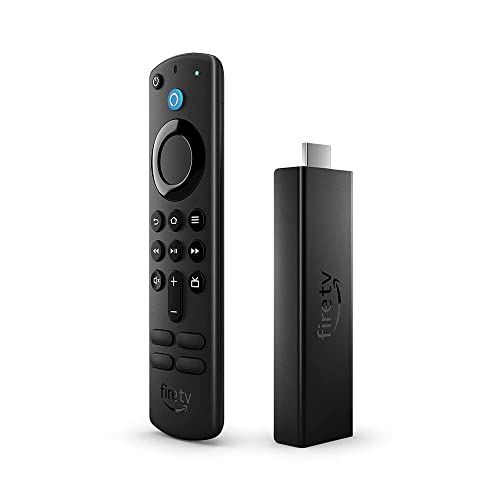
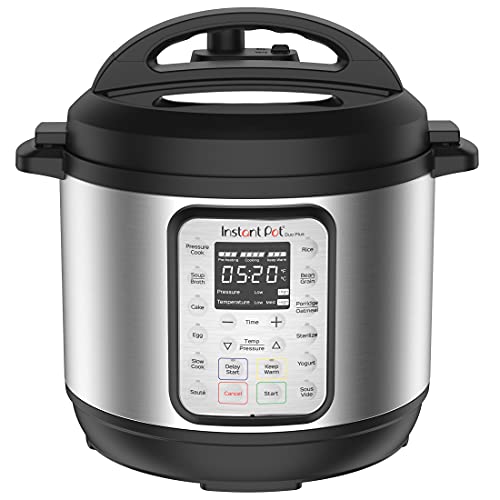
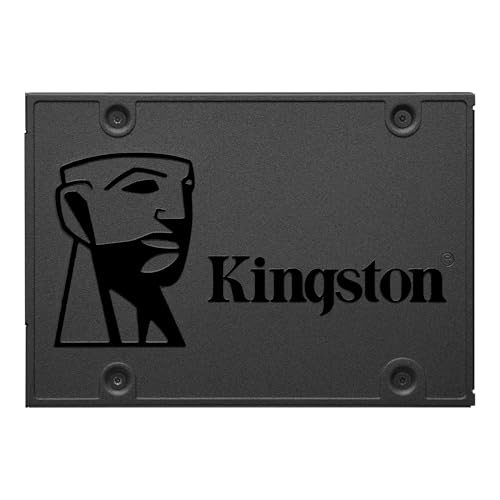


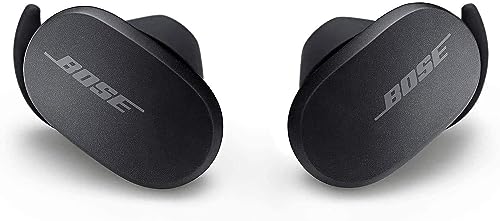
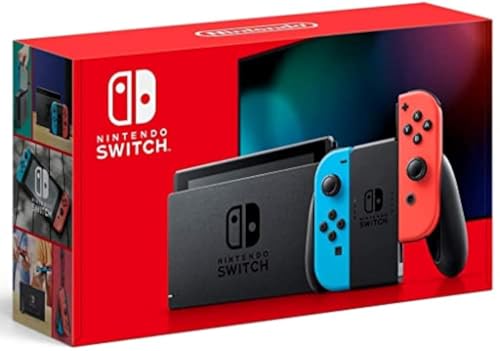
Illustrative demo data
SELECT MODE + BULK
Queue a subset, score a whole page at once.
Flip Select Mode, tap the products you want, and hit Search Selected. The bulk drawer fills in the results as it goes, sortable and ready to export.
Illustrative demo data
HIGHLIGHT TO SOURCE
Highlight any product — get the full sourcing verdict on the spot.
Select a product name, ASIN, UPC, or barcode — on an Amazon listing, a supplier page, a spreadsheet, anywhere — and Pricelyzer resolves it instantly: net profit, ROI, listing access, stacked store intel, where it's cheaper, and a full profit calculator, right there without leaving the page. Nobody else does this.
Illustrative demo data · hover to pause
HOW TO USE IT
Pin it once — and if a store blocks it, the icon tells you.
Pin the extension and the panel rides along on every supported page. A few retailers don't allow on-page extensions — there, the Pricelyzer icon turns crimson, so you can run the exact same check straight from the toolbar.
01
Pin it to your toolbar.
Open the puzzle-piece extensions menu in your browser toolbar and pin Pricelyzer, so the panel stays one click away wherever you browse.
Settings, theme and Shopper / Seller mode live behind the icon
02
The panel rides along on every page.
On Amazon product, search, and category pages — and thousands of store pages — the panel is right there, or one click from a thin edge tab you can tuck away anytime.
Product, search & category pages · minimize to the edge tab
03
A store blocks it? Watch the icon.
The Pricelyzer icon stays quiet black-and-white on supported sites. When a retailer blocks the on-page panel, it turns crimson — click it and the exact same check runs straight from the toolbar.
Black & white when supported · crimson when it's blocked
EVERY OTHER PRO SURFACE
One panel, every Amazon surface.
Counted toward your source cost automatically, so you price against your real cost, not the sticker.
The lowest in-stock price, on the store pages you already shop.
Add the free Pricelyzer extension — it installs in one click and only wakes up on product pages.
Free · works on Chromium browsers
The free extension covers price comparison on store pages. Pro adds the Amazon side: sourcing on every product page with the Buy Box, profit, profitability, and store matches; select mode across search and category pages; and the listing-access check. It also adds the store-to-Amazon profitability calculator that turns any store page into a sourcing decision.
Yes — that's highlight to source. Select any product name, ASIN, or UPC on any page — even outside a store — and Pricelyzer returns the sourcing verdict on the spot: net profit, ROI, and where it's cheaper. No tab-switching, no copy-paste. It's the fastest way to check a product anywhere on the web, and nothing else does it.
A few retailers don't allow injected panels. On those pages, click the Pricelyzer icon in your browser toolbar to open the popup — it runs the exact same check without needing the on-page panel.
You connect your Amazon seller account once. Access is read-only — Pricelyzer never creates, edits, or reprices listings. Every fee estimate and verdict reflects your own account, so the numbers match what you'd actually see.
The panel shows up on supported product, search, and category pages, and you can minimize it to a thin edge tab whenever you want it out of the way. On other pages it stays out of sight.